Everstack AI

The AI Workflow Kit for Managers Who Don't Have Time for AI Hype

Practical, copy-ready workflows that help managers turn rough inputs into clearer plans, delegation briefs, action lists, updates, and decisions — with human review built in.

Beginner-friendly. Downloadable. Human-reviewed. No subscription required.

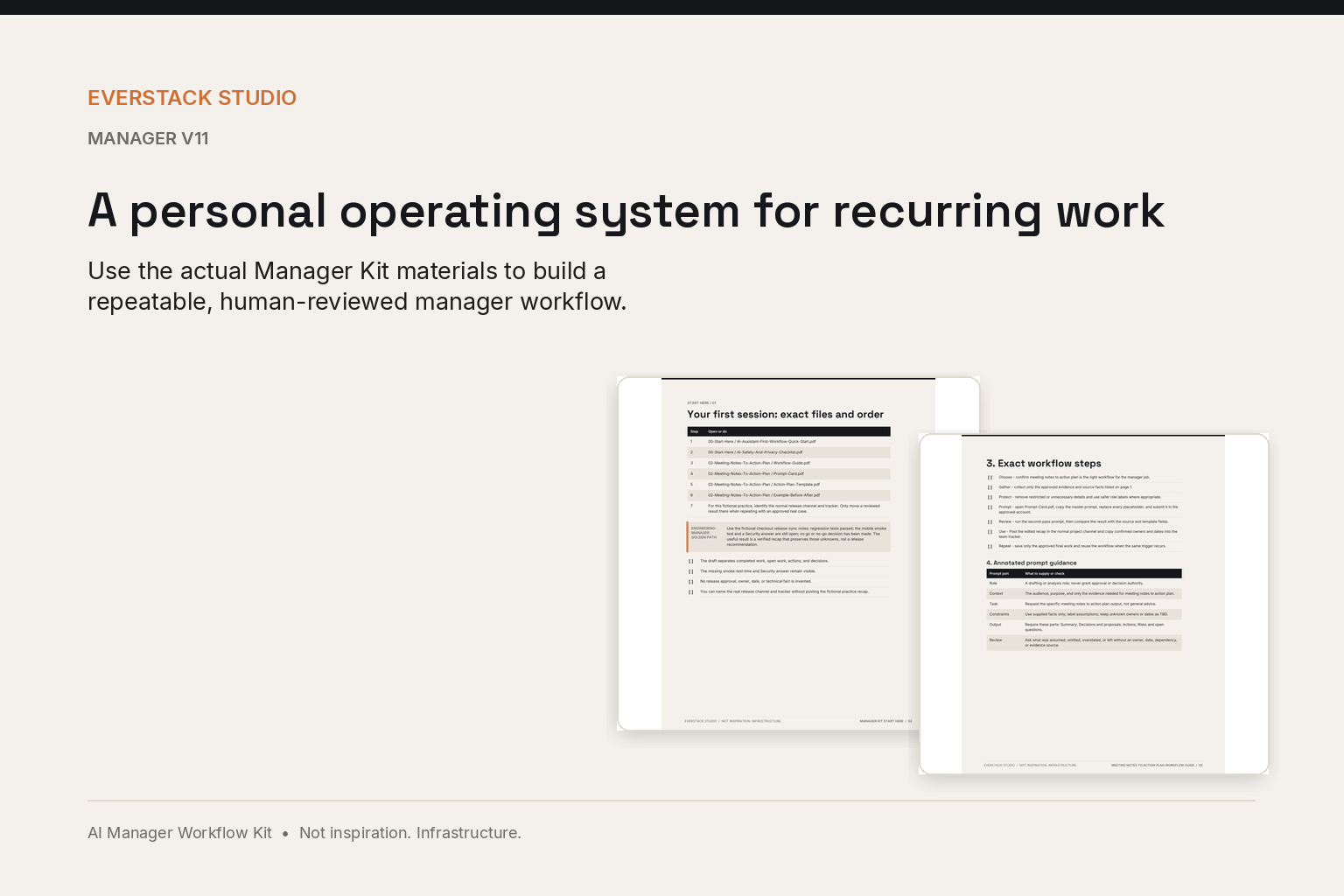
Manager v11 Start Here and Meeting Notes guides shown as a complete workflow system
A personal operating system for recurring work
The problem it solves

Manager work is messy. Your AI workflow should not be.

Meeting notes, handoffs, updates, feedback, and process drafts usually begin as scattered information. The kit gives you a repeatable way to gather the right context, use a structured prompt, review the result, and take the next action yourself.

  • Turn notes into actions without inventing decisions or owners
  • Delegate with clearer outcomes, boundaries, and checkpoints
  • Surface the signal executives need without hiding uncertainty
  • Review facts, assumptions, tone, fairness, confidentiality, and policy implications
Product tour

Real pages from the real kit

Every image below is a composite of the actual buyer files — guides, slides, and workbook sheets — exactly as they ship.

A closer look — Starter

A focused starting kit

Three complete manager workflows, 15 purpose-built prompts, a beginner Quick Start, and a seven-day plan.

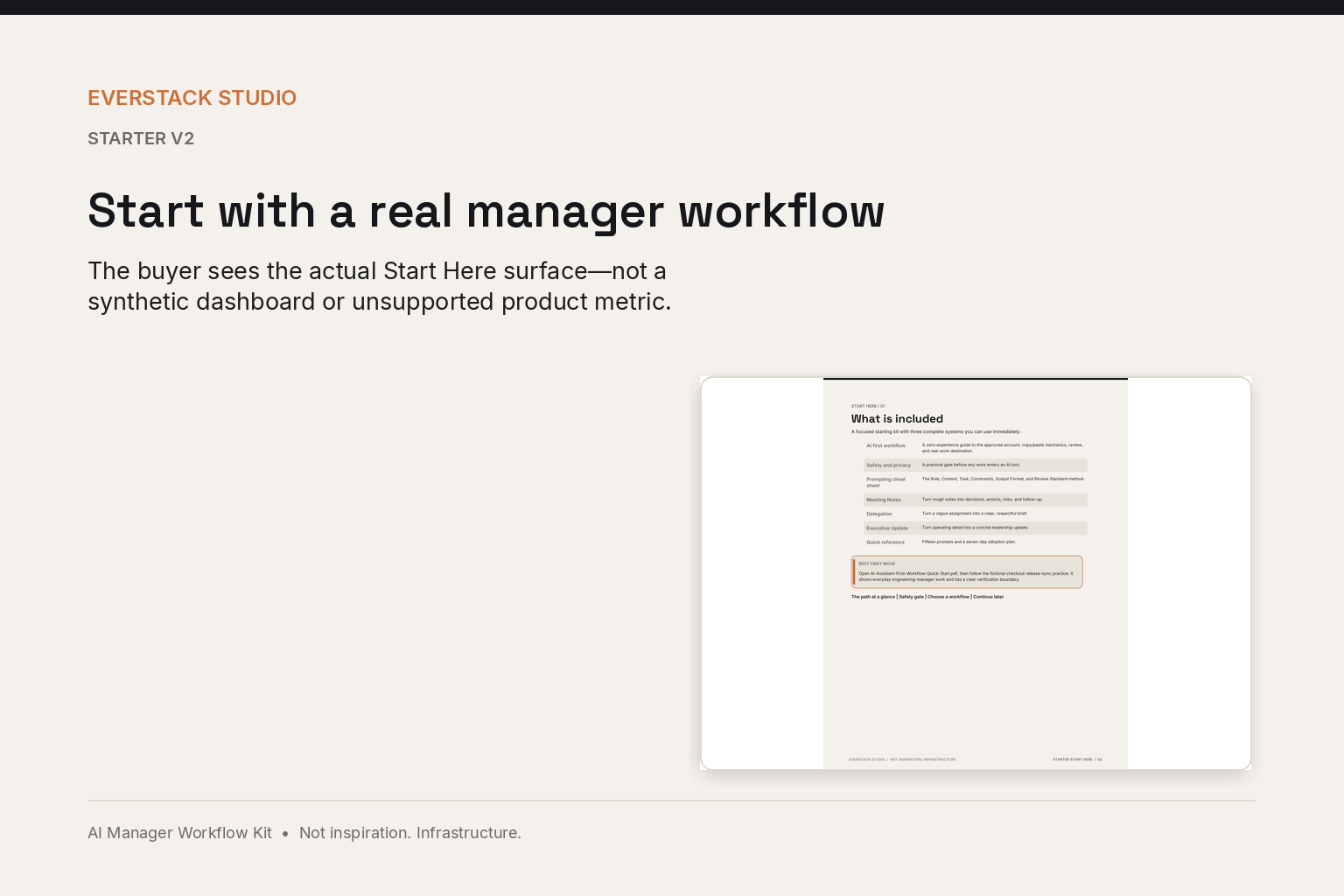
Starter quick-start page showing the exact copy, customize, submit, inspect, and use sequence

Start with a real manager workflow

Meeting Notes to Action Plan, Delegation Workflow, and Executive Update Generator — each in the same learn, copy, apply structure.

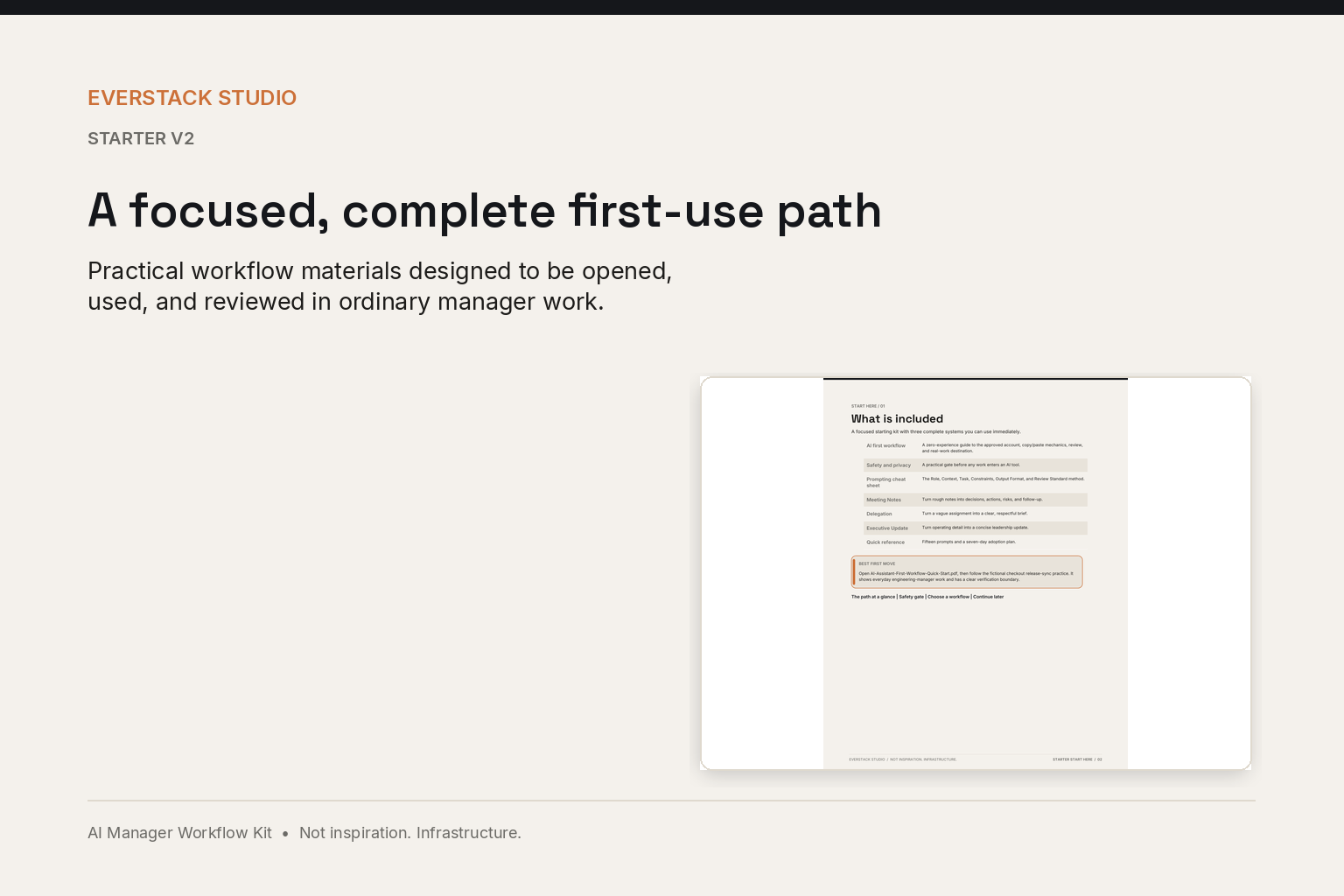
Starter quick-start page showing the complete first-use path included in the kit

A focused, complete first-use path

Focused Start Here, AI Assistant First Workflow Quick Start, 15 purpose-built prompts, workflow templates, a seven-day plan, and a safety and privacy checklist.

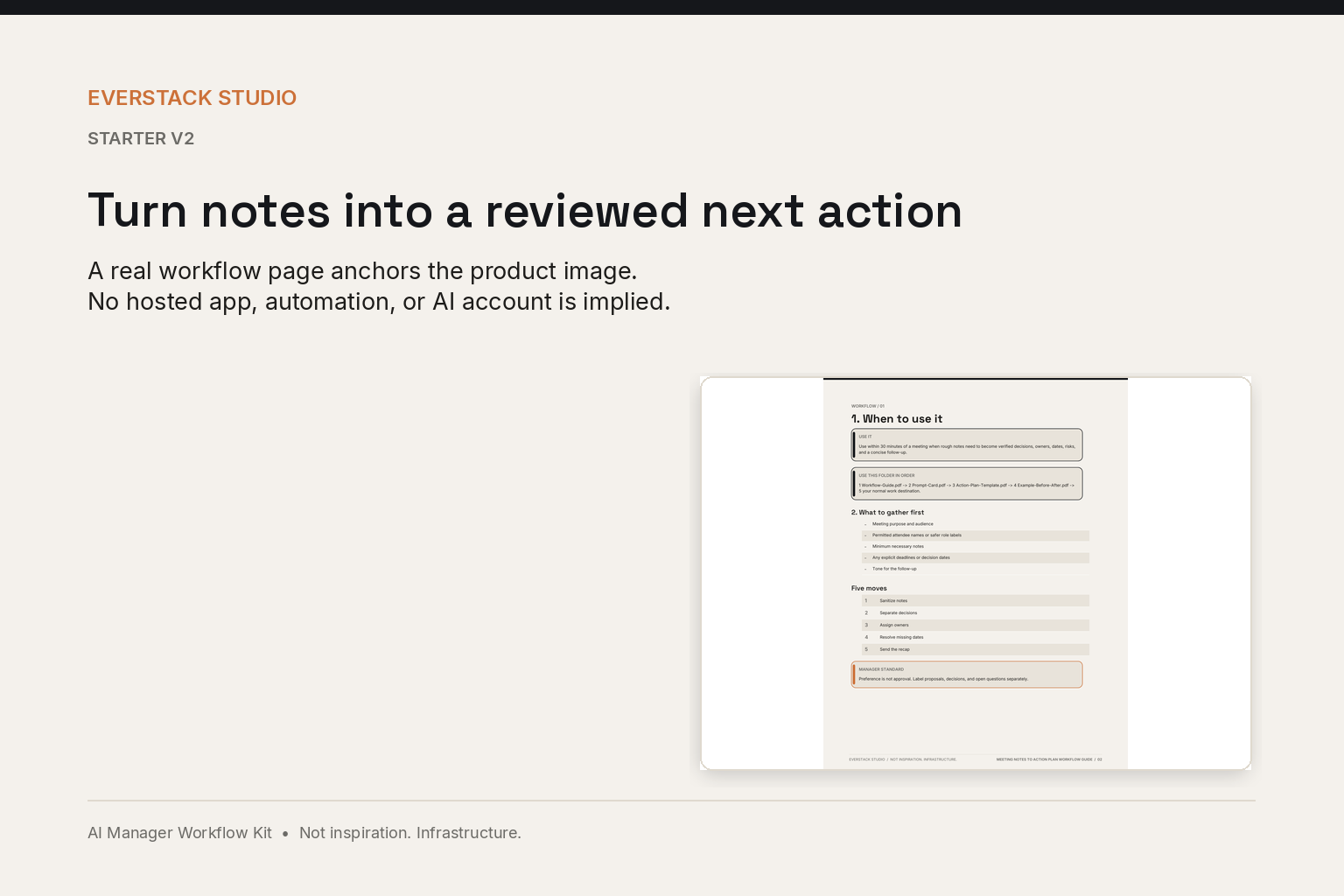
Starter Meeting Notes prompt and review page shown on an Everstack product canvas

Turn notes into a reviewed next action

Follow the operating map, drop in the master prompt, run the review checklist, and hand your team a plan with owners, deadlines, and next steps.

A closer look — Pro

A complete team implementation system

The complete Manager Kit plus rollout, facilitation, training, governance, measurement, and a hands-on Team Pilot Lab.

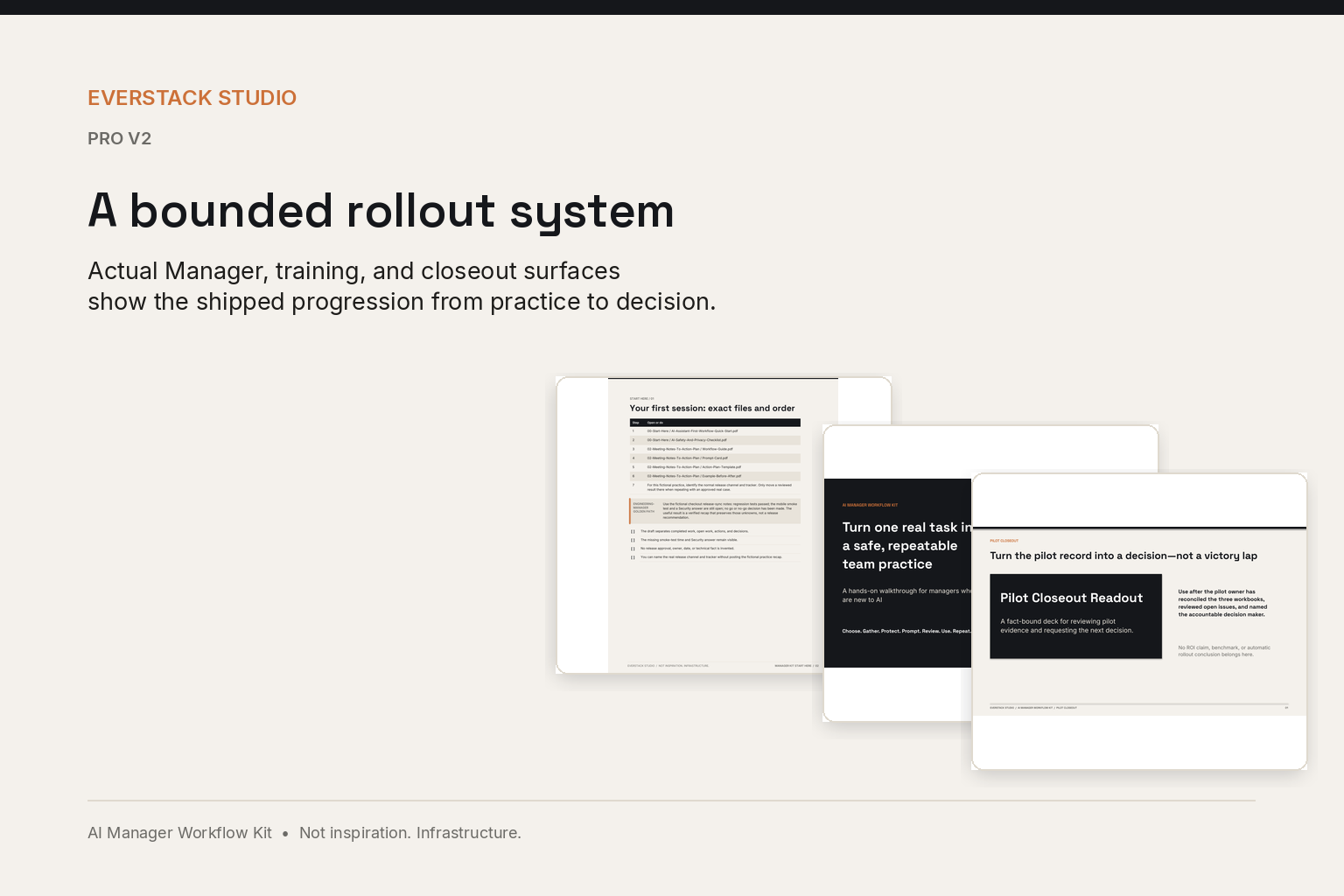
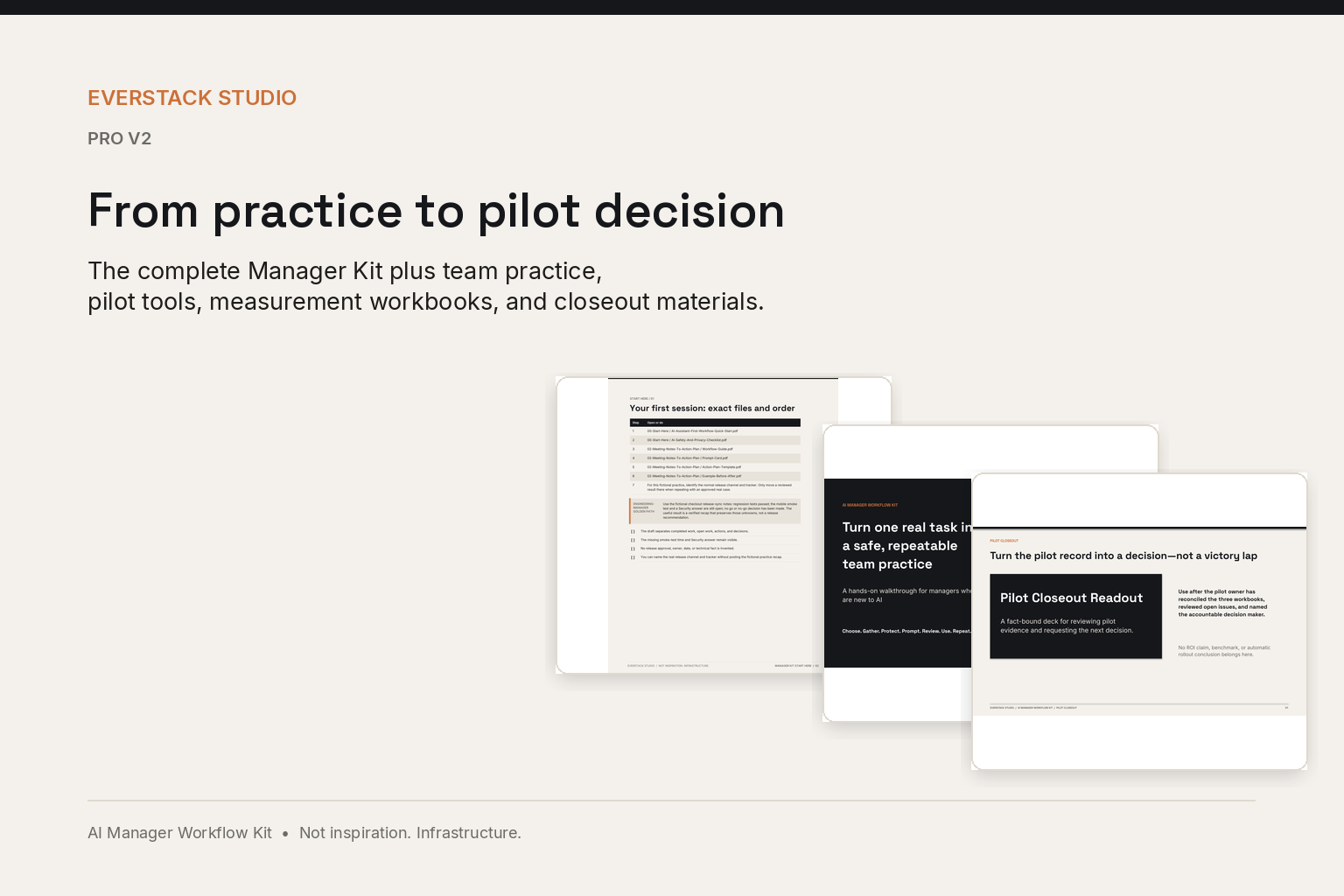
Real Manager and Pro materials showing a bounded rollout from practice to decision

A bounded rollout system

Everything in the Manager Kit plus a 30-day team rollout, kickoff agenda, facilitator guide, adoption workbooks, and governance templates.

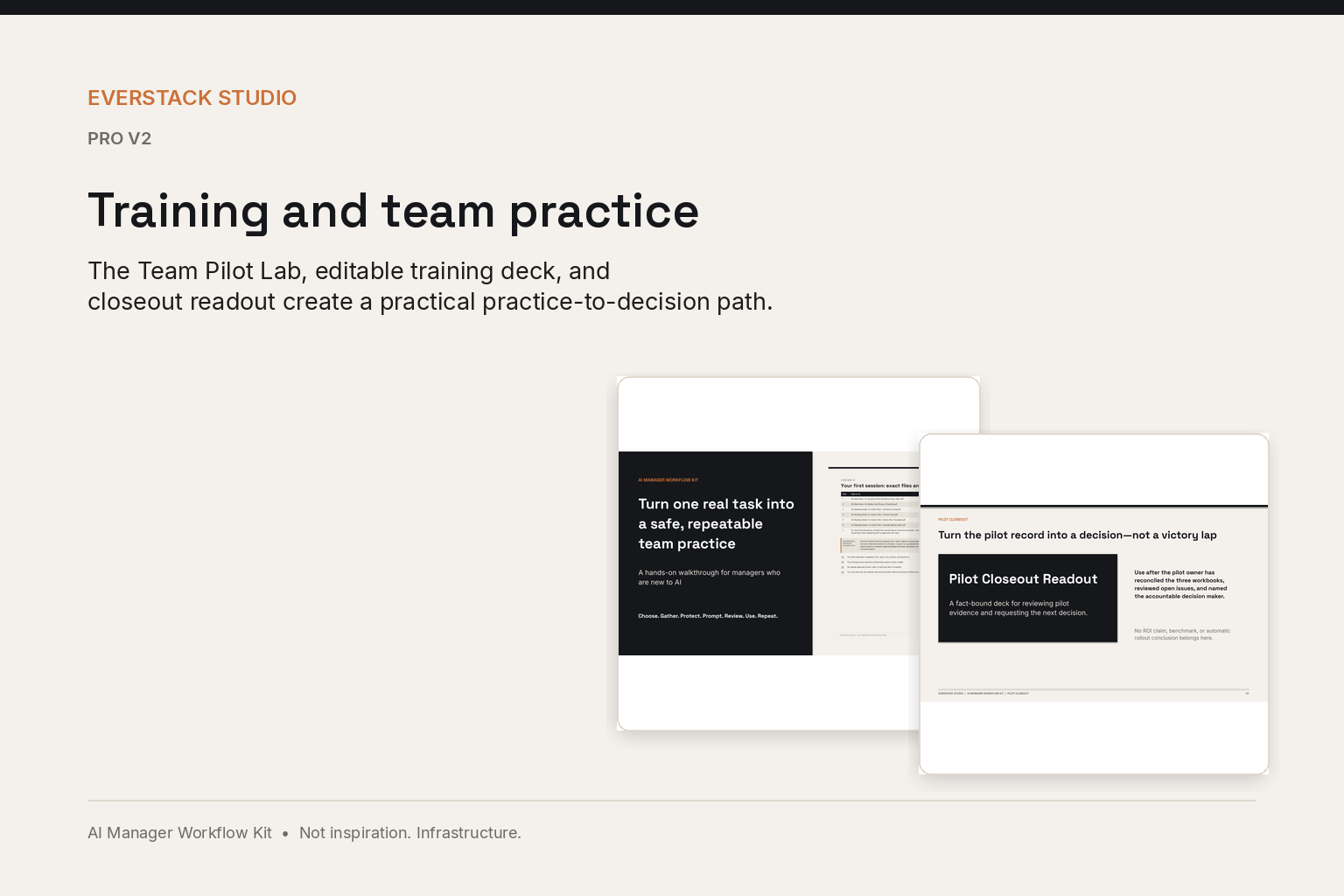
Editable Pro training and closeout deck slides showing review practice and the pilot decision path

Training and team practice

An editable 20-slide deck with speaker notes, plus a Team Practice Lab with four exercises, a facilitator answer key, an editable pilot charter, and a closeout deck.

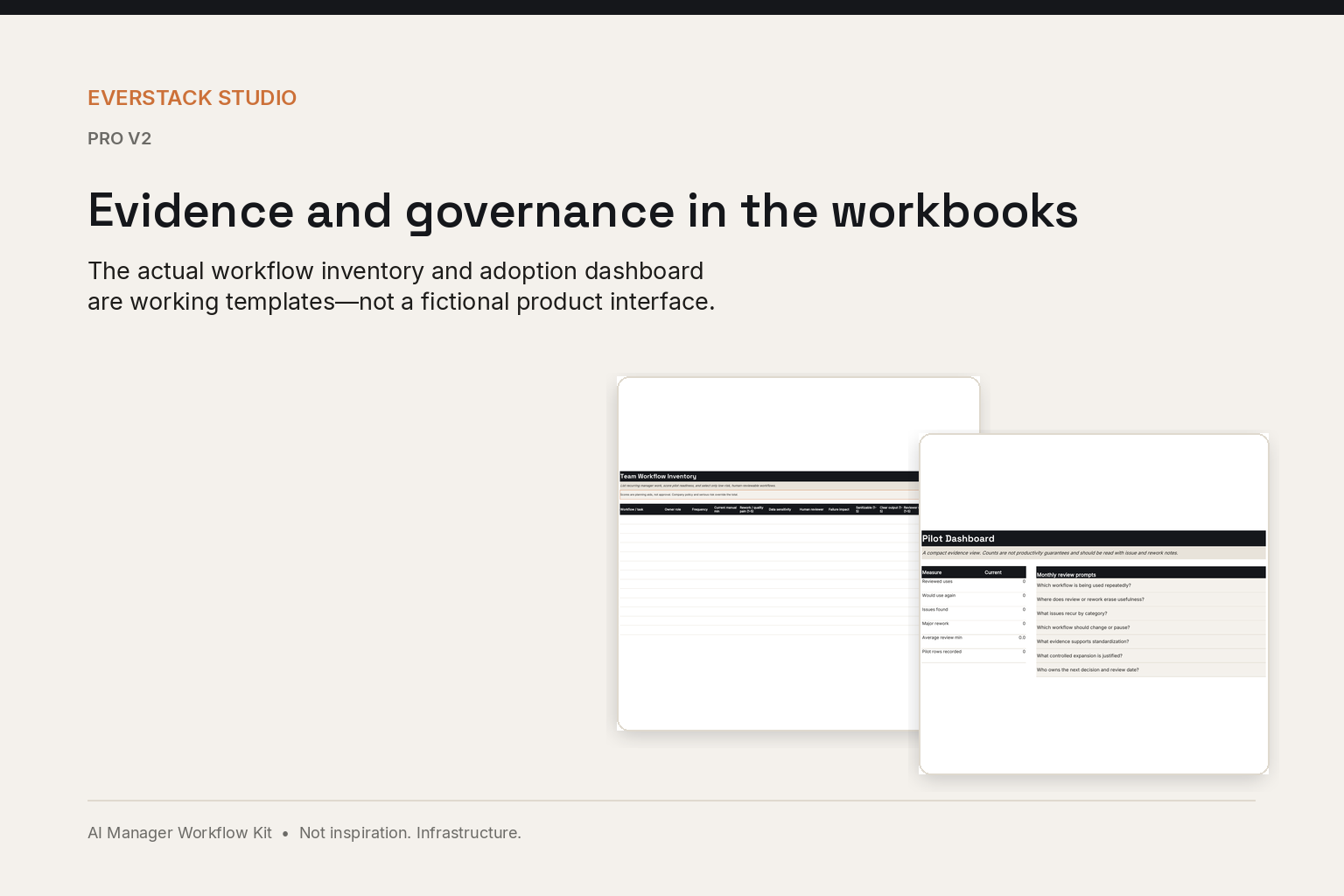
Pro workflow inventory and adoption dashboard sheets used to review pilot evidence

Evidence and governance in the workbooks

Three workbooks covering ten sheets: workflow inventory, adoption tracking, issue log, quality and rework, and time-saved logs.

How it works

One guided path, every time

Choose one real manager task, follow the exact prompt steps, review what the AI got wrong, and put the corrected result to work. No prior AI experience required.

Prepare

  1. 1

    Choose

    Select one low-risk manager task.

  2. 2

    Gather

    Collect only the facts the task needs.

  3. 3

    Protect

    Remove or generalize information that should not be entered.

Work

  1. 4

    Prompt

    Copy the supplied prompt, replace every placeholder, and use an approved AI tool and account.

  2. 5

    Review

    Compare the response with the source and correct unsupported claims, owners, dates, and certainty.

  3. 6

    Use

    Move the reviewed result into the normal work system.

Continue

  1. 7

    Repeat

    Use the workflow again only after the first run is understood.

Choose your kit

Three tiers. One system underneath.

Starter is a focused, complete starting kit — not a lite version. Manager Kit is the full personal system. Pro adds everything needed to introduce the practice to a small team.

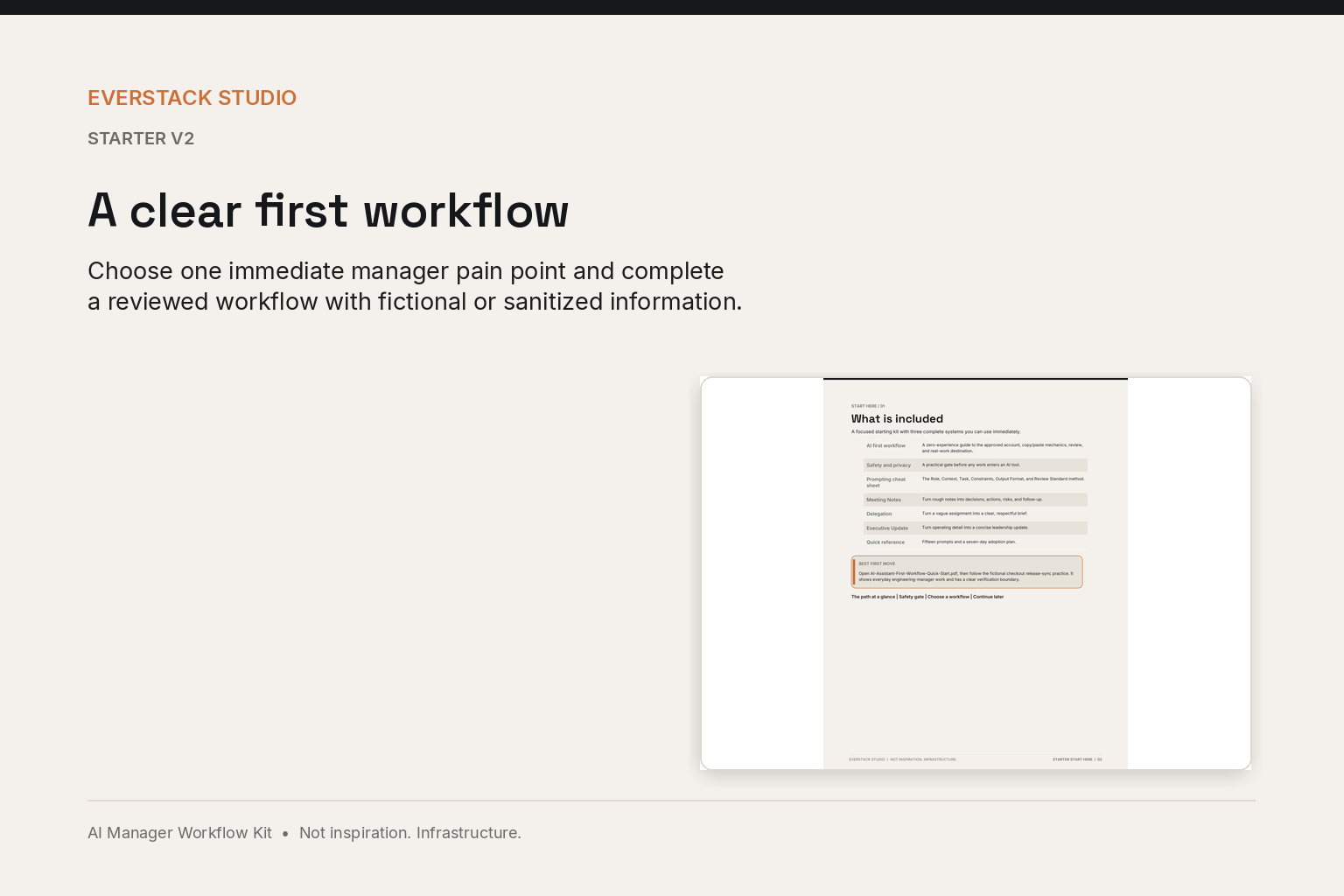
Starter v2 beginner quick-start page presented on a warm Everstack product canvas

A clear first workflow

Focused starting kit

Starter

$29USD · one-time

Build confidence with three high-value manager workflows, 15 prompts, practical templates, safe examples, and a seven-day starting plan.

Free updates included — if your tier's files are updated, you get the new version at no extra charge.
Compare all tiers
Manager v11 Start Here and Meeting Notes guides shown as a complete workflow system

A personal operating system for recurring work

Complete manager system

Manager Kit

$79USD · one-time

Get all nine core workflows, two bonus modules, 45 prompts, practical templates, examples, safety guidance, and the complete implementation method.

Free updates included — if your tier's files are updated, you get the new version at no extra charge.

See all nine workflows
Manager, Pro training, and pilot closeout materials shown together

From practice to pilot decision

Team implementation system

Pro

$199USD · one-time

Get the complete Manager Kit plus a 30-day rollout, facilitator materials, training deck, hands-on Team Pilot Lab, editable decision tools, adoption workbooks, and team governance templates.

Free updates included — if your tier's files are updated, you get the new version at no extra charge.

Instant digital download · 7-day refund policy · email support at support@everstackstudio.com

The workflows

Nine recurring manager workflows, plus two bonus modules

Starter includes Meeting Notes, Delegation, and Executive Updates. Manager Kit and Pro include all nine workflows plus the two bonus modules.

  • 1

    Weekly Manager Planning

    Organize priorities, risks, meetings, decisions, and follow-up for the week.

  • 2 In Starter

    Meeting Notes to Action Plan

    Separate decisions, actions, unresolved questions, owners, dates, and dependencies.

  • 3 In Starter

    Delegation Workflow

    Define the desired result, scope, authority, resources, deadline, and manager checkpoints.

  • 4

    One-on-One Meeting Prep

    Prepare a focused agenda using goals, progress, blockers, support needs, and follow-up.

  • 5

    Performance Feedback Assistant

    Structure specific, balanced, evidence-based draft feedback for human review.

    Writing reviews? The Review Cycle Kit for Managers ($29) has the evidence log, Draft Check and calibration sheet.

  • 6 In Starter

    Executive Update Generator

    Convert detailed notes into concise executive signal, risk, decision needs, and next milestones.

  • 7

    Decision Memo Workflow

    Compare options, assumptions, tradeoffs, risks, and a recommended path.

  • 8

    Difficult Conversation Prep

    Prepare a calm, factual conversation plan while preserving human judgment and appropriate escalation.

  • 9

    SOP Builder

    Turn rough process notes into a clear, usable standard operating procedure.

Bonus module · Manager Kit & Pro

Small-Team Weekly Pulse

Organize a small team's priorities, risks, comments, dependencies, and next actions.

Bonus module · Manager Kit & Pro

AI Agent Starter

Define a small, bounded AI-agent concept with triggers, allowed tools, required inputs, review, and stop conditions.

Pro · 30-day team rollout

From personal use to a bounded team pilot

Pro is not simply more prompts. It adds implementation confidence: team adoption, facilitation, governance, and repeatability — a structured, safety-conscious pilot with training, measurement, and a decision-ready closeout.

  • Editable 20-slide training deck with speaker notes
  • Team Pilot Lab with four realistic exercises and safe fictional fixtures
  • Editable pilot charter, sponsor brief, and communication templates
  • Adoption, measurement, and governance workbooks
  1. 1

    Week 1

    Set the boundary, choose workflows, confirm approved tools and data rules.

  2. 2

    Week 2

    Pilot Meeting Notes and Delegation.

  3. 3

    Week 3

    Pilot Executive Updates and one optional workflow.

  4. 4

    Week 4

    Review, refine, document, and decide what to keep, change, pause, or expand.

Safety & human review

AI can support the work. A human still owns the result.

Every workflow in the kit teaches the same discipline: protect the input, prompt with structure, review the output against the source, and keep the decision with the manager. The kit does not make anyone legally compliant — it gives teams a consistent human-review standard.

AI supports the work; the manager owns the decision.

  • Company policy takes priority.
  • Use only approved tools and accounts.
  • Minimize, anonymize, or generalize information whenever possible.
  • Confidential, regulated, personnel, legal, medical, financial, customer, and security data may require special handling.
  • AI output is a draft or analysis aid, not an authority.
  • Managers retain accountability for decisions and communications.
  • High-stakes employment, legal, medical, safety, and protected-class matters require appropriate company and professional guidance.
Compare

What's in each kit

Same foundations, different depth. Everything is a one-time purchase with instant download.

Starter$29 · one-time

Guides & prompts

  • Focused Start Here guide
  • Full Start Here guide
  • Core workflows3
  • Bonus modules
  • Prompt library15 prompts
  • Workflow guides & prompt cards3 sets
  • Templates & examplesSelected

Workbook & planning

  • Manager workbook methodStarter templates
  • Seven-day implementationStarter plan
  • Personal safety guidance

Team implementation (Pro)

  • 30-day team rollout plan
  • Team kickoff agenda & facilitator guide
  • Training slide deck (editable PPTX + PDF)
  • Speaker notes
  • Team Pilot Lab & Decision Pack
  • Adoption & measurement workbooks
  • Workflow standardization (DOCX)
  • Team governance templates
Manager Kit$79 · one-time

Guides & prompts

  • Focused Start Here guide
  • Full Start Here guide
  • Core workflows9
  • Bonus modules2
  • Prompt library45 prompts
  • Workflow guides & prompt cards9 sets
  • Templates & examplesComplete

Workbook & planning

  • Manager workbook methodComplete
  • Seven-day implementationFull plan
  • Personal safety guidance

Team implementation (Pro)

  • 30-day team rollout plan
  • Team kickoff agenda & facilitator guide
  • Training slide deck (editable PPTX + PDF)
  • Speaker notes
  • Team Pilot Lab & Decision Pack
  • Adoption & measurement workbooks
  • Workflow standardization (DOCX)
  • Team governance templates
Pro$199 · one-time

Guides & prompts

  • Focused Start Here guide
  • Full Start Here guide
  • Core workflows9
  • Bonus modules2
  • Prompt library45 prompts
  • Workflow guides & prompt cards9 sets
  • Templates & examplesComplete

Workbook & planning

  • Manager workbook methodComplete
  • Seven-day implementationFull plan
  • Personal safety guidance

Team implementation (Pro)

  • 30-day team rollout plan
  • Team kickoff agenda & facilitator guide
  • Training slide deck (editable PPTX + PDF)
  • Speaker notes
  • Team Pilot Lab & Decision Pack
  • Adoption & measurement workbooks3 workbooks · 10 sheets
  • Workflow standardization (DOCX)
  • Team governance templates
FAQ

Straight answers

What the kit is, what it is not, and how delivery and support work.

No. It is a downloadable workflow toolkit with guides, prompts, templates, examples, implementation plans, and safety guidance. Pro also includes a training deck, editable rollout tools, a hands-on Team Pilot Lab, and a decision-ready closeout pack.

Choose the level of support that fits the way you want to start.

Start with three focused workflows, get the complete manager system, or add the rollout tools to introduce the practice to a small team.

One-time purchase · Instant digital download · 7-day refund policy